I want to:
Sales-assisted onboarding · No self-serve sign-up
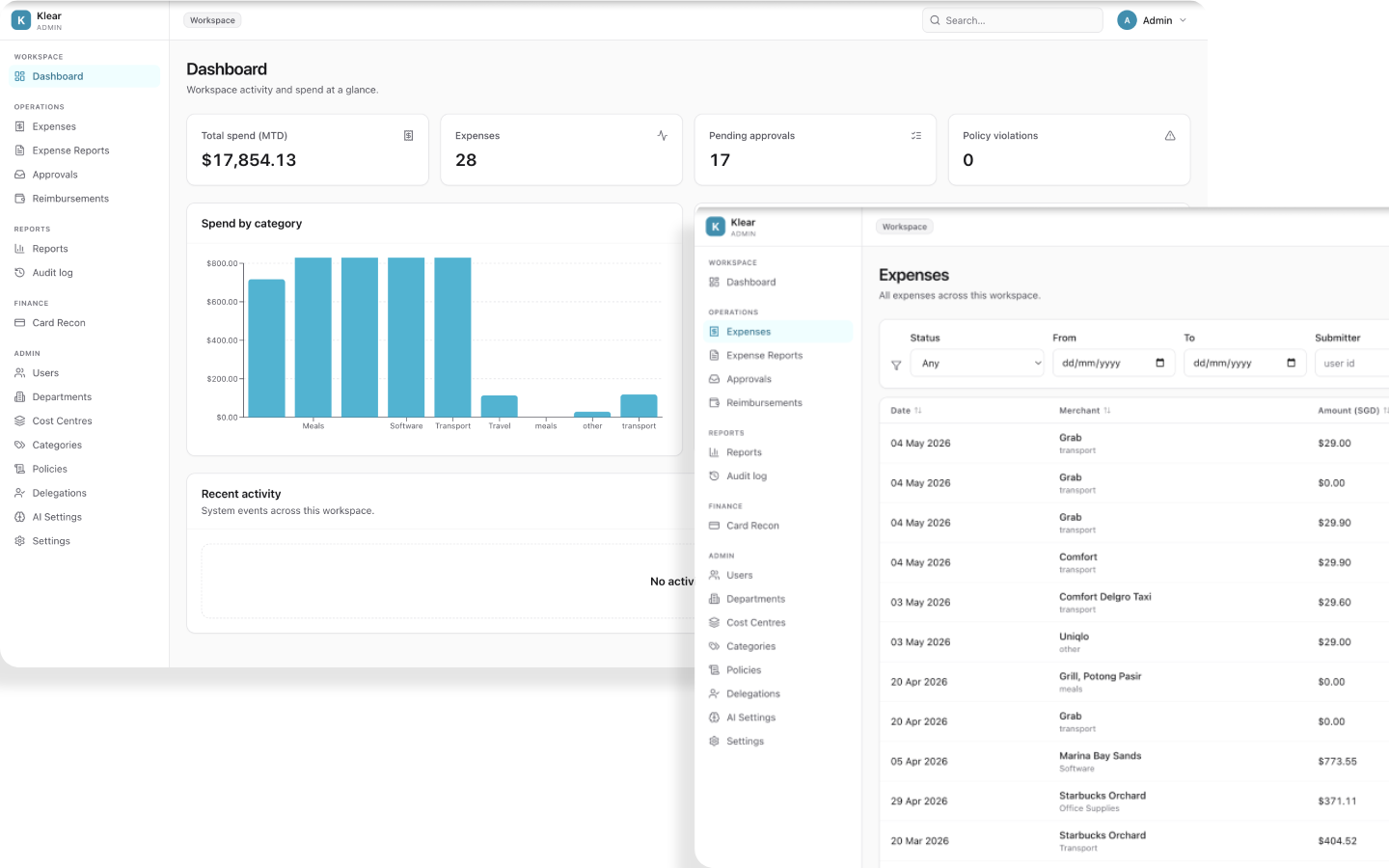
hero.gif
Placeholder — drop GIF here
EVERYTHING YOU NEED
Employees send a receipt. Klear categorises it, assigns the correct GST code, checks policy, and routes it — automatically.
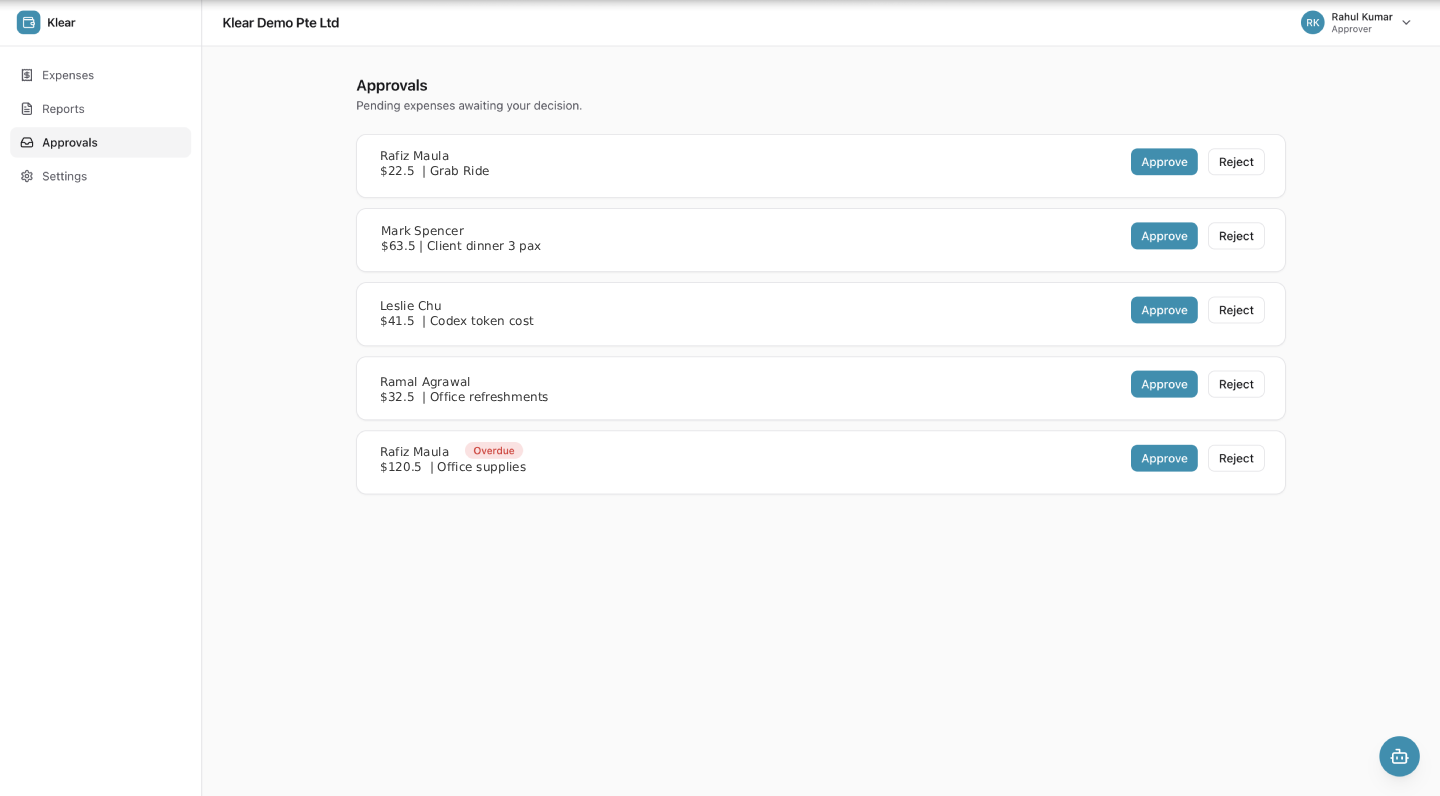
Sequential, time-bound chains with SLA escalation, delegation, and one-click email approval — fully configurable.
Every approval, comment, and payment logged append-only. Receipts SHA-256 hashed at upload. IRAS audit package in one click.
Mobile camera, email forwarding to [email protected], or manual entry. AI parses every field before the employee sees it.
All 6 IRAS GST tax codes assigned automatically — TX9, ZR, BL, EP, OS, NR. No manual selection. No end-of-quarter corrections.
Spend by department, cost centre, employee, and category. GST Input Tax F5-ready by tax code. Scheduled email delivery.
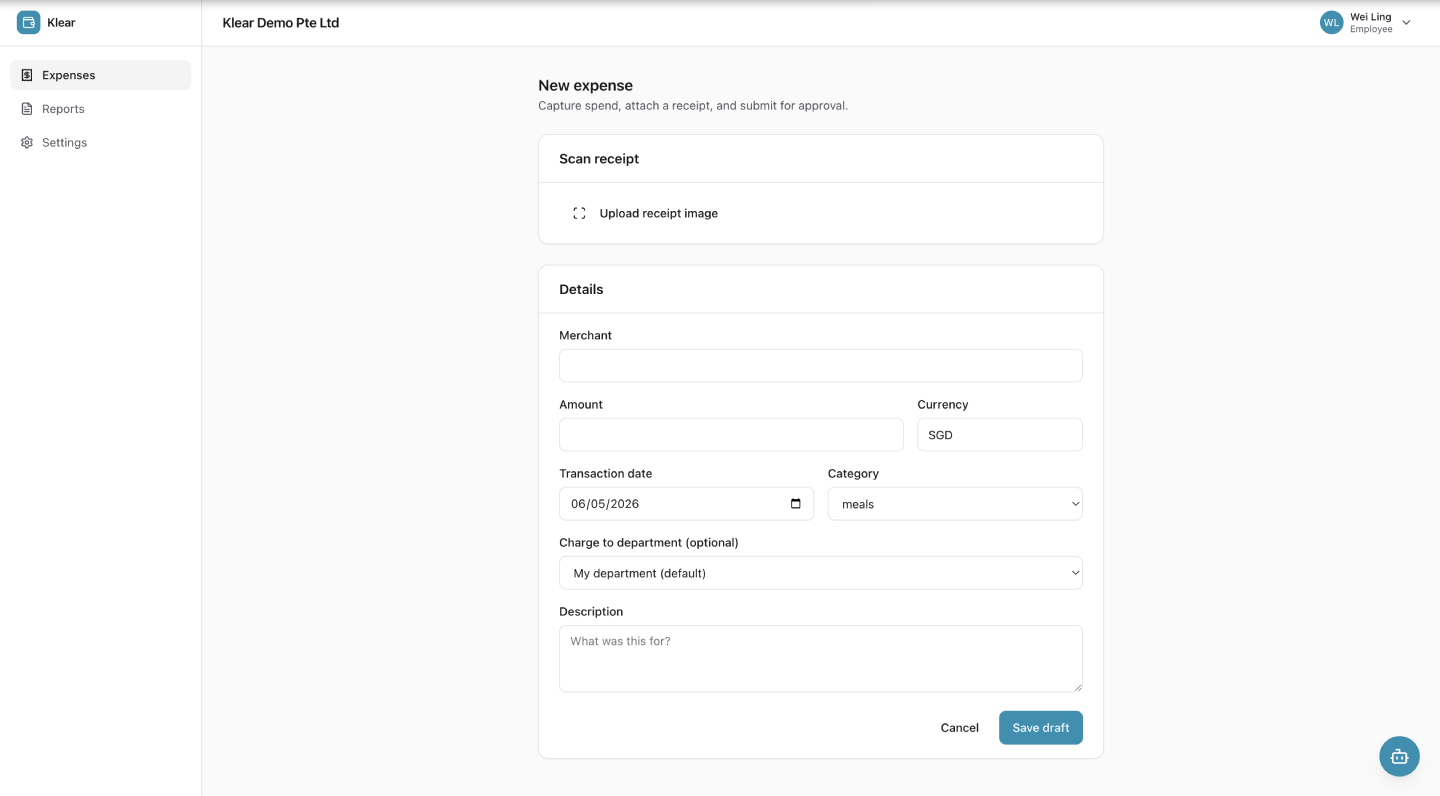
Employees send a receipt — by mobile camera, email, or manual entry. Klear's AI reads it, categorises it, assigns the GST code, and routes it for approval without touching a single dropdown.
Employee.png · 720×398
Klear's Copilot doesn't just read receipts — it understands Singapore's tax landscape. It automatically assigns the correct IRAS codes (TX9, ZR, BL, EP, OS, NR), saving your finance team hours of manual verification.
I've detected this is an Entertainment expense at a GST-registered merchant. Based on IRAS rules, I have applied:
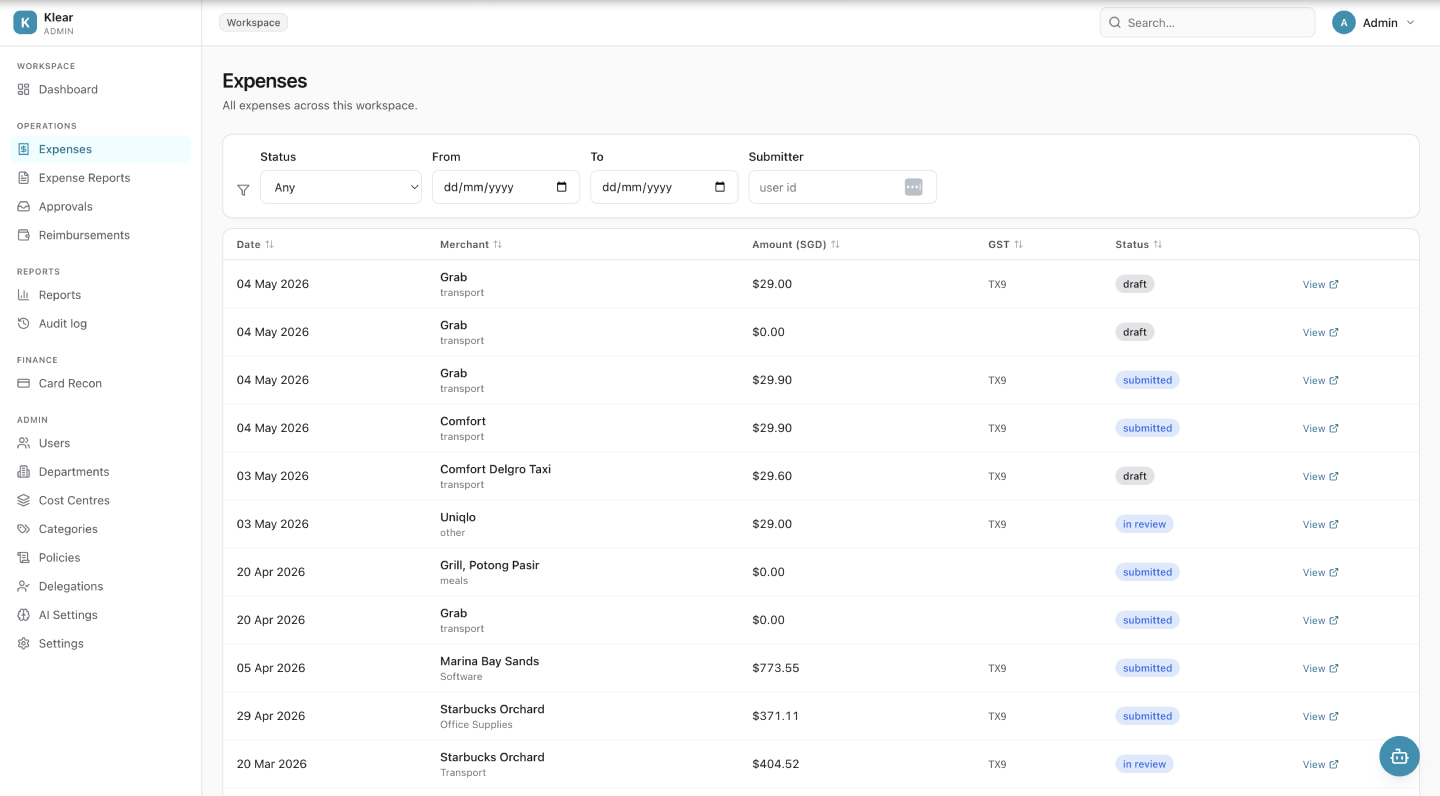
Klear is a Singapore-first expense management platform covering the full cycle — receipt capture, GST-compliant categorisation, multi-level approvals, GIRO reimbursement files, corporate card reconciliation, and accounting exports. Built specifically for Singapore's IRAS regulatory environment.
Klear is designed for Singapore businesses with 20 to 500 employees. It serves employees who submit expenses, finance teams and managers who approve and process them, and CFOs who need real-time spend visibility and IRAS audit readiness.
Employees send a receipt by mobile camera, email, or manual entry. Klear's AI reads it, assigns the correct GST tax code, categorises the expense, checks it against company policy, and routes it to the right approver — all without the employee touching a dropdown.
Yes. Klear automatically applies all 6 IRAS GST tax codes — TX9, ZR, BL, EP, OS, and NR — based on merchant type, category, and transaction context. It generates GST F5 return data and produces a one-click IRAS audit package.
All customers are onboarded by a Klear account manager. Guided configuration using the AI Setup Copilot typically takes under two hours. A two-week parallel run alongside your existing process is available before go-live.
Klear v1 produces Xero-ready and QuickBooks-ready CSV export files — Finance imports with zero reformatting. Direct two-way API integrations with Xero and QuickBooks are on the v2 roadmap, alongside NetSuite and Sage Intacct.
Klear generates a GIRO IBG-format payment instruction file that Finance downloads and uploads to their DBS, OCBC, or UOB banking portal. Multiple approved expenses per employee are consolidated into one payment line. Employees are notified when paid.
Yes. All Klear data is stored and processed exclusively within AWS Singapore (ap-southeast-1). No customer data ever leaves Singapore. This satisfies PDPA data residency requirements.
Finance uploads bank statements (CSV, OFX, or PDF — all major Singapore banks supported). Klear's AI suggests receipt matches per transaction. Finance closes a statement only when every transaction is matched, declared missing, or marked personal.
Request a demo using the button on this page. A Klear account manager will contact you to arrange a guided onboarding session. There is no self-serve sign-up — all customers are set up by the Klear team to ensure compliance configuration is correct from day one.
Klear is onboarded with your team — guided configuration, compliance setup, and a dedicated account manager from day one.
Sales-assisted onboarding · AWS ap-southeast-1 (Singapore) · PDPA-compliant